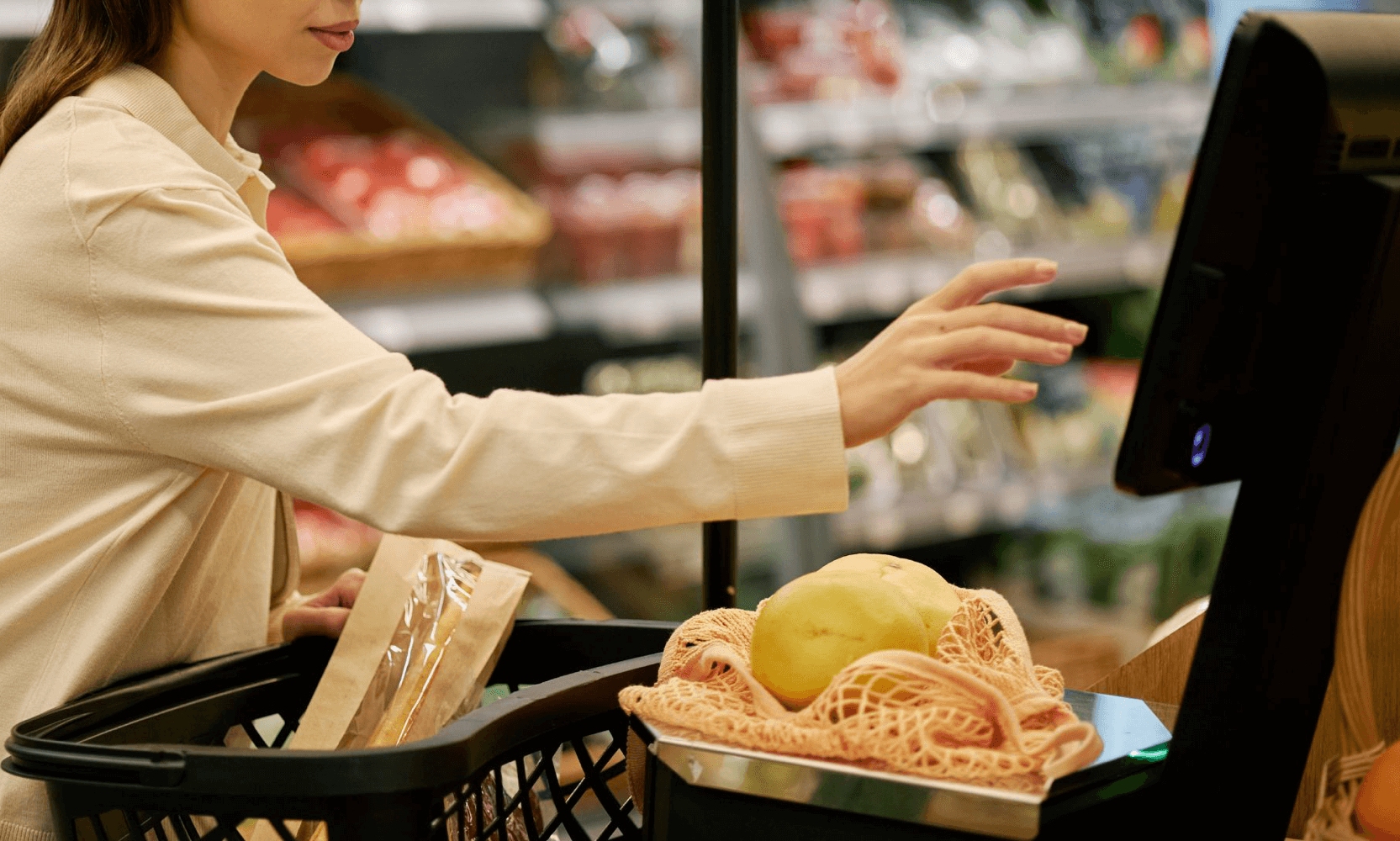
Self-checkout is an environment with very little tolerance for friction. When a lane slows down, the impact is immediate: longer queues, more attendant interventions, and more abandoned transactions.
In most implementations, the payment rail isn’t the bottleneck. The bottleneck is the step that initiates payment. That single interaction determines how reliably customers complete checkout without assistance.
For QR wallets at self-checkout, there are two common ways to receive payment:
Customer scans a QR code displayed on the self-checkout screen
Customer presents a QR code on their phone, and the scanner reads it
Ways To Receive Payment
1) Customer scans the screen
The self-checkout displays a payment QR code. The customer opens their wallet app and scans the code using their phone camera, then confirms.
This model is straightforward when conditions are controlled and the screen experience is designed around scanning.
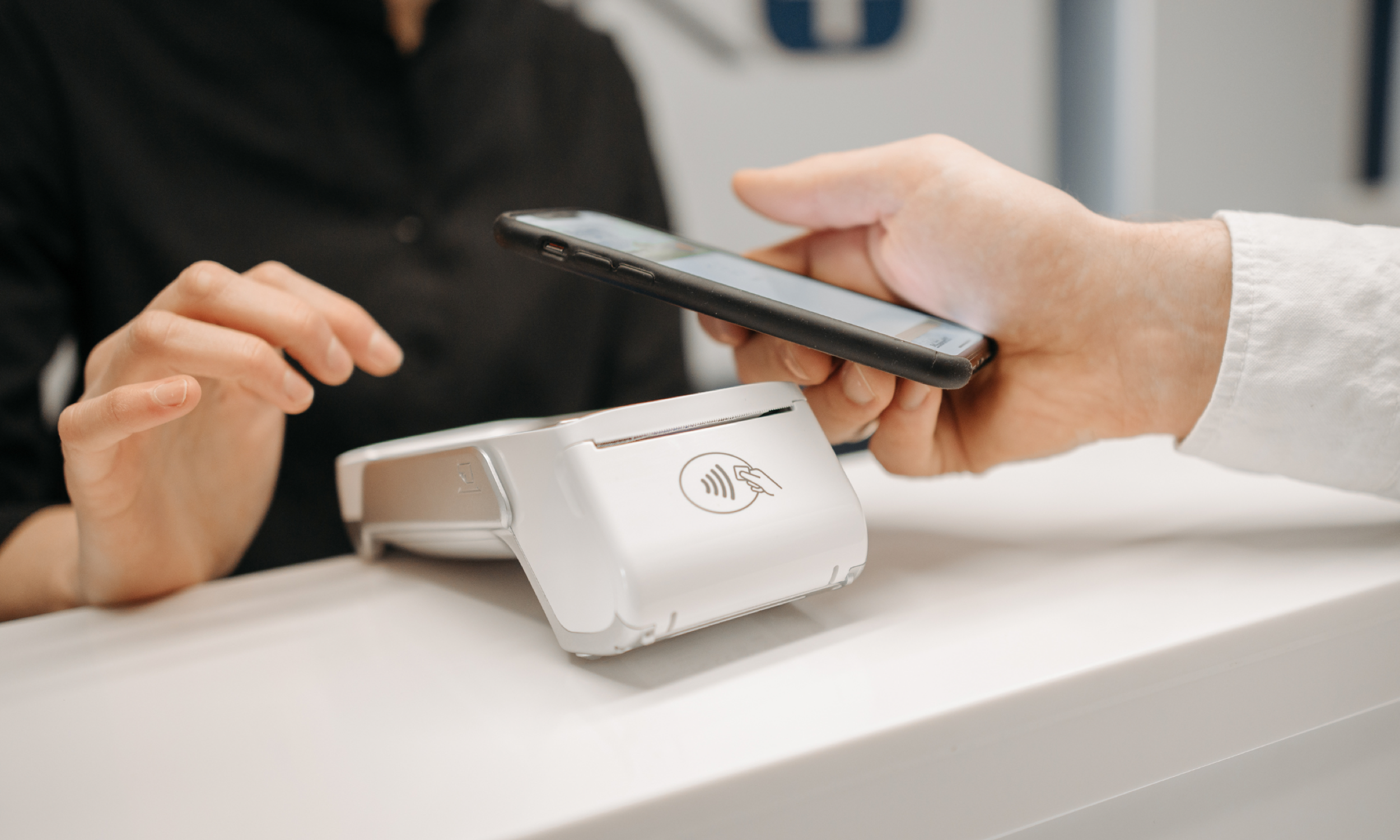
2) Terminal or POS Scans the Customer’s Phone
The customer generates a QR code in their wallet app. The self-checkout scanner (handheld or fixed) reads the customer’s QR code to complete payment.
This aligns with the many cashier lanes that already support QR wallets where the customer presents a code, and the lane scans it.
How Each Scan Flow Performs
Screen-to-phone
When the screen is bright, the QR code is large, and glare is minimal, screen-to-phone scanning can be smooth.
The challenge is that performance depends heavily on variables outside the lane’s control. The most common issues typically come from edge cases:
Phone camera performance in low light
Glare, viewing angles, and screen brightness
Unclear UI states (customers scanning the wrong code)
Timeouts that appear as “no response”
Operationally, they show up as attendant assistance and support volume.
Scanner-to-phone
Scanner hardware is designed for fast, repeatable reads in imperfect conditions. When the lane scans the customer’s QR code, the checkout experience becomes more standardized because the lane controls the scanning surface and the read behaviour.
The remaining issues are typically easier to identify and resolve:
scanner readiness and routine cleaning/calibration
connectivity timeouts
customers presenting the wrong QR
In high-traffic stores, that predictability translates into fewer interventions and steadier throughput.
Scan Direction Changes Staffing Load
In self-checkout, friction doesn’t get logged as feedback. It shows up as interventions, retries, and slower lanes.
The more variables you push onto the customer’s phone and camera, the more frequently an attendant gets pulled into the flow. And every time that happens, a lane stops being self-service.
Both patterns can be fast once payment is initiated, while scan direction determines how consistently you get that outcome at peak.
Which Flow Scales Better?
If the goal is higher throughput with fewer attendant interventions, the scanner-gun flow is typically the better default.
“Customer scans the screen” can still be the right choice when:
the self-checkout experience is kiosk-style and screen-led
scanner hardware isn’t available, or isn’t integrated into the payment step
you can tightly control QR presentation (size, placement, brightness, glare)
In peak-heavy environments, the model that gives the lane more control over scanning is the one that scales more reliably.
How to Choose the Right Flow
Choose customer scans screen when you’re building a screen-led self-checkout experience and want to minimize dependence on scanner hardware at the payment step.
Choose scanner scans customer when you’re optimizing for consistent speed at peak and want to reduce variability that typically drives retries and attendant assistance.
Whichever model you choose, treat rollout as an operational change—UI prompts, retry behaviour, and lane support procedures matter as much as the tender type itself.
For either flow to work consistently in-store, the goal is to make the payment step hard to misinterpret and easy to recover.
Keep the payment state singular
Show one clear instruction and one QR code on a dedicated payment screen. Avoid competing QR codes, secondary prompts, or UI states that make customers hesitate.
Make retries intentional
If a scan fails or times out, route customers to one obvious next step (try again, or generate a new code). Don’t force them to back out and reselect payment.
Log what happened
When a transaction doesn’t complete, you should be able to tell whether it was a scan issue, a timeout, or a customer cancellation. That’s the difference between reducing repeat issues and simply responding faster.
Product Note: Two QR Wallet Flows Checkout
For QR wallets, most checkout deployments use one of two scan models. AlphaPay supports both for WeChat Pay, Alipay, and UnionPay, so you can match the flow to your lane setup and traffic patterns.
What we built it for
AlphaPay integrates QR wallet payments into existing systems without forcing you into a single interaction model. You can keep the lane experience familiar, protect throughput, and reduce the operational drag that usually shows up after launch.
Ready to explore what flow to rollout? Reach out to our team to explore options that best suit your business.