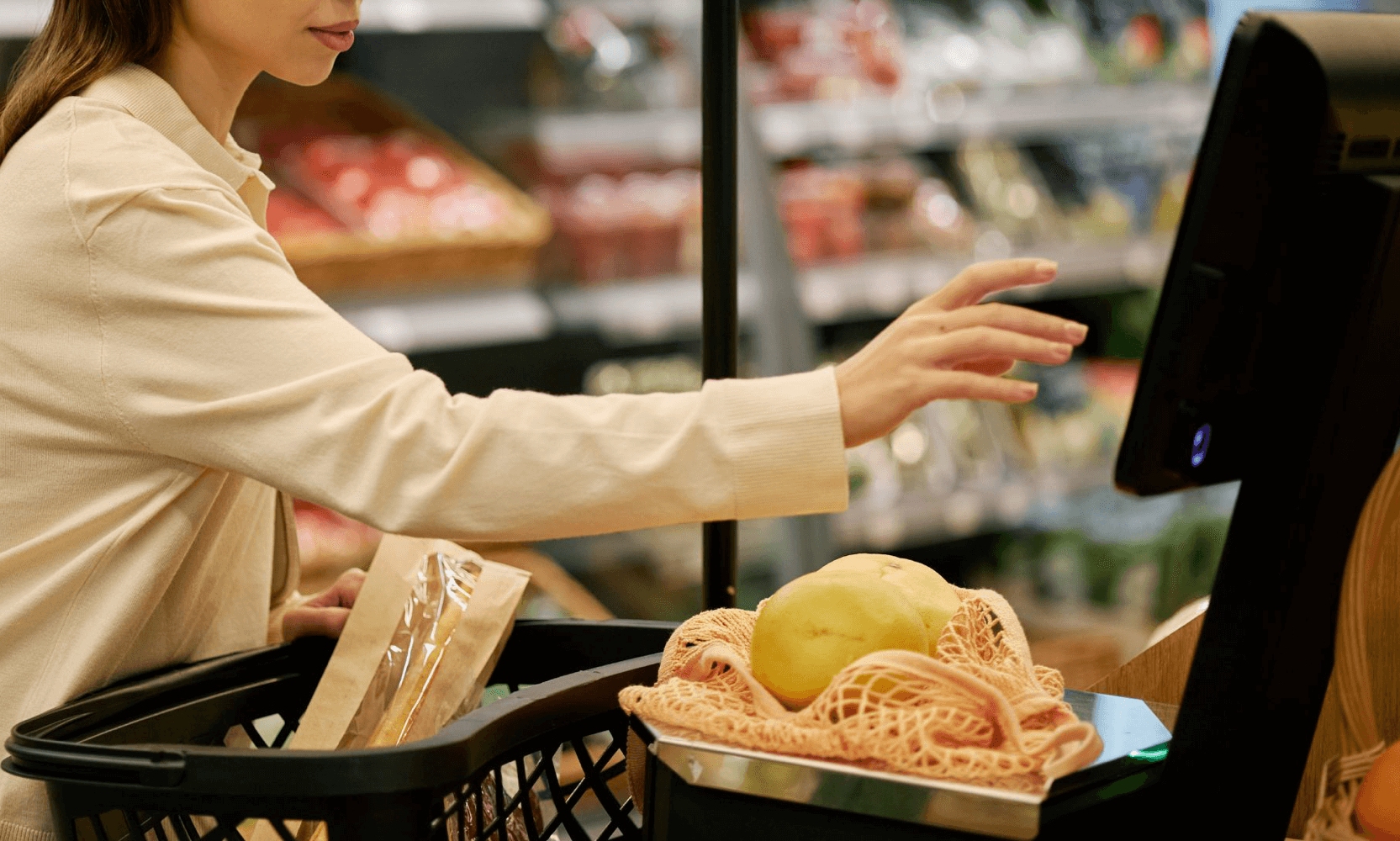

Accepting in-person payments has traditionally required payment terminals or card readers. That infrastructure often adds complexity, especially for teams that need to stay mobile.
Tap to Pay on Android simplifies this experience by turning a compatible Android phone into a contactless payment device through its built-in NFC.
With fewer components to manage, businesses gain the flexibility to accept payments wherever they operate.
What is Tap to Pay on Android?
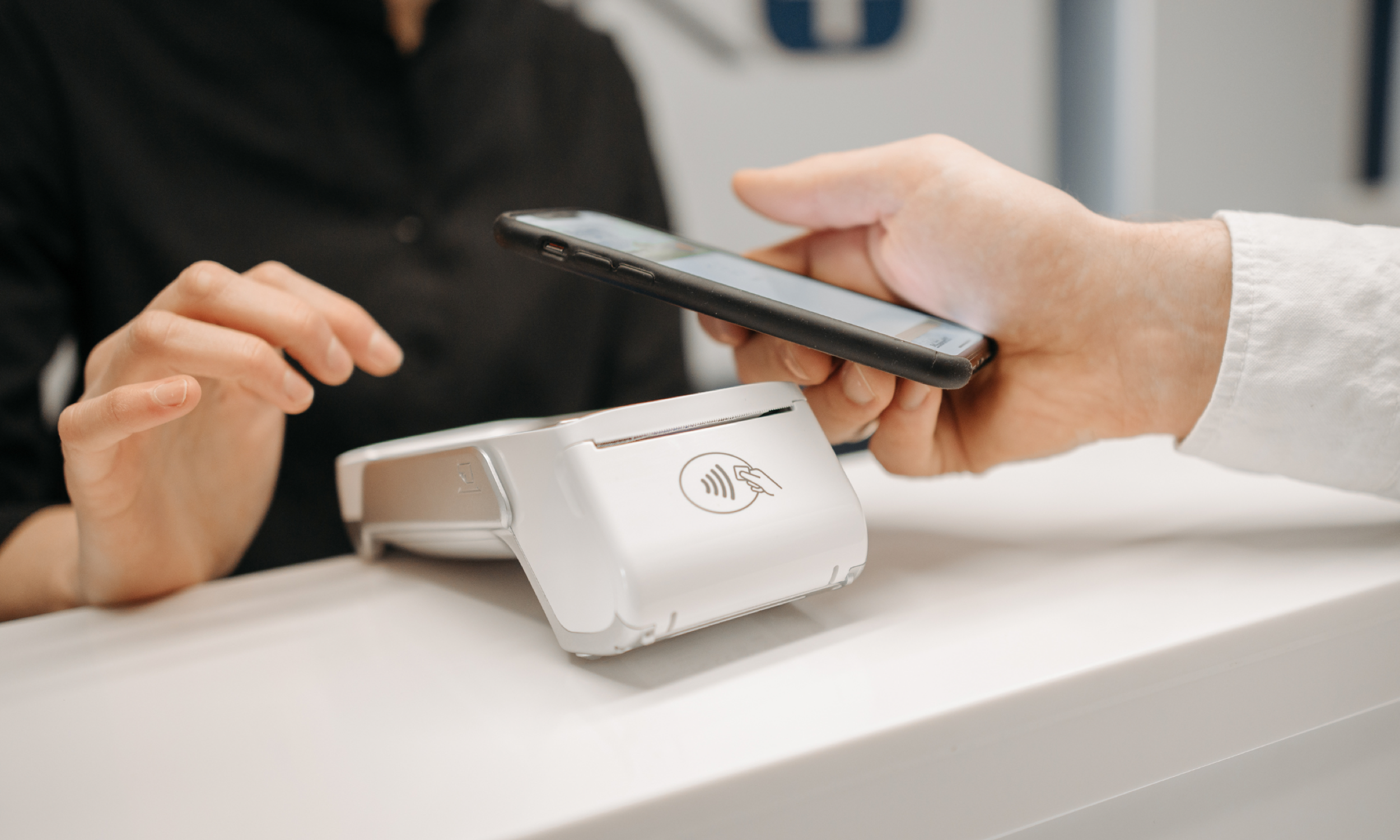
Tap to Pay on Android is a contactless acceptance method that turns a compatible Android phone into a payment terminal. Customers can tap a contactless card, phone, or digital wallet directly on the merchant’s device to complete a payment.
At the platform level, the requirements are straightforward. NFC must be enabled, the device must meet security standards, and the setup must be compatible.
In Canada, Tap to Pay on Android supports major contactless credit networks and debit, and accepts payments from digital wallets as well.
How It Works
Most Tap to Pay on Android flows follow the same pattern:
Open your payments app
Enter the amount (or pull it from your POS/cart)
Present the phone to the customer
Customer taps their card/phone/wallet on the contactless area
Confirmation appears and the transaction completes
What matters is the reduction in operational overhead. Fewer devices to deploy means fewer things to charge, pair, troubleshoot, or replace.
Tap to Pay on Android isn’t a solution to replace checkout counter or POS, but its best for when mobility and speed is required.
Where Does That Leave Traditional Terminals?
Phone-based acceptance is powerful, but it is not universal. Dedicated terminals remain the right choice when businesses need:
a fixed lane built for continuous high-volume throughput
integrated accessories (receipt printers, cash drawers, countertop PIN pads)
a shared device model (multiple staff cycling through one lane all day)
a checkout experience that depends on physical ergonomics and durable hardware
In practice, many businesses operate a hybrid setup, using phone acceptance for mobility and peak-time overflow, and traditional terminals for fixed checkout lanes.
Adopting Tap to Pay
A successful rollout depends on how well it fits into daily operations:
Device readiness
Compatibility, OS support, and NFC performance vary by device. Standardizing on a supported model helps reduce inconsistency.
Staff flow
Decide who holds the phone, when it is presented, and how confirmation is shown to the customer. Consistency matters.
Receipts and reporting
Confirm that reporting, reconciliation, refunds, and deposits align with existing finance processes.
Customer confidence at the tap
Set a clear expectation at the moment of payment. A simple explanation helps reinforce trust, such as: “You can tap your card or phone here. Card details are not stored on this device.”
Security
Customers usually want reassurance that tapping on a phone is legitimate. At a high level:
Tap to Pay uses the same contactless standards customers already use at terminals.
The experience is designed to process payments without storing sensitive card data on the device in the way people worry about.
You don’t need to over-explain it. You do need staff to sound confident and consistent.
NFC Tap + QR Wallets
Tap to Pay on Android is effective for accepting mainstream contactless payments. It is designed for speed and mobility in everyday in-store scenarios.
In many Canadian environments, particularly destination retail, attractions, grocery, and hospitality, there is a parallel need to support customers who prefer QR wallets such as WeChat Pay, Alipay, and UnionPay.
The most effective in-store approach is to treat NFC tap and QR wallets as complementary, not competing, acceptance methods.
Use NFC tap acceptance when the job is speed + mobility
line-busting
queue relief
floor selling
service-on-the-go
Use QR wallet acceptance when the job is reach + preference
serving visitors and cross-border customers who default to QR wallets
reducing friction for customers who expect QR at checkout
enabling wallet-driven experiences that can extend beyond the moment of payment (where applicable)
In other words, NFC tap expands where you can take payments. QR wallets expand who can pay the way they prefer.
That combination matters because payment choice is often the last step of customer experience. When you support both patterns, you’re not forcing one customer segment into a fallback behavior at checkout.
FAQ
Do I need a card reader?
With Tap to Pay on Android, the point is to accept contactless payments directly on the phone without an external reader, assuming the device supports it.
Can customers use cards and mobile wallets?
Yes—Tap to Pay is designed for contactless cards, phones, and wallets that support contactless payments.
Is it right for every business?
Not always. If you run fixed high-volume lanes or need peripherals, a dedicated terminal may still be the better primary setup.