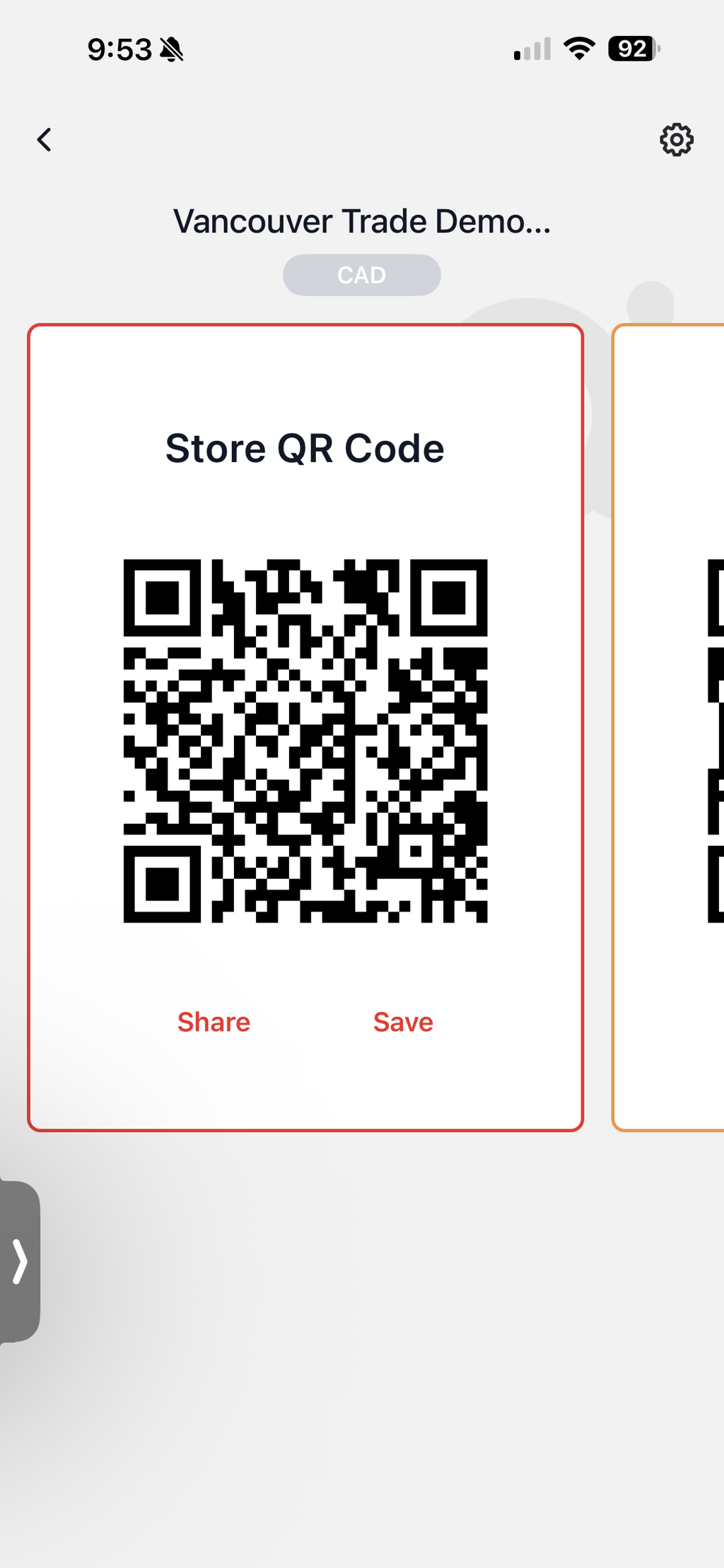
Store QR Code
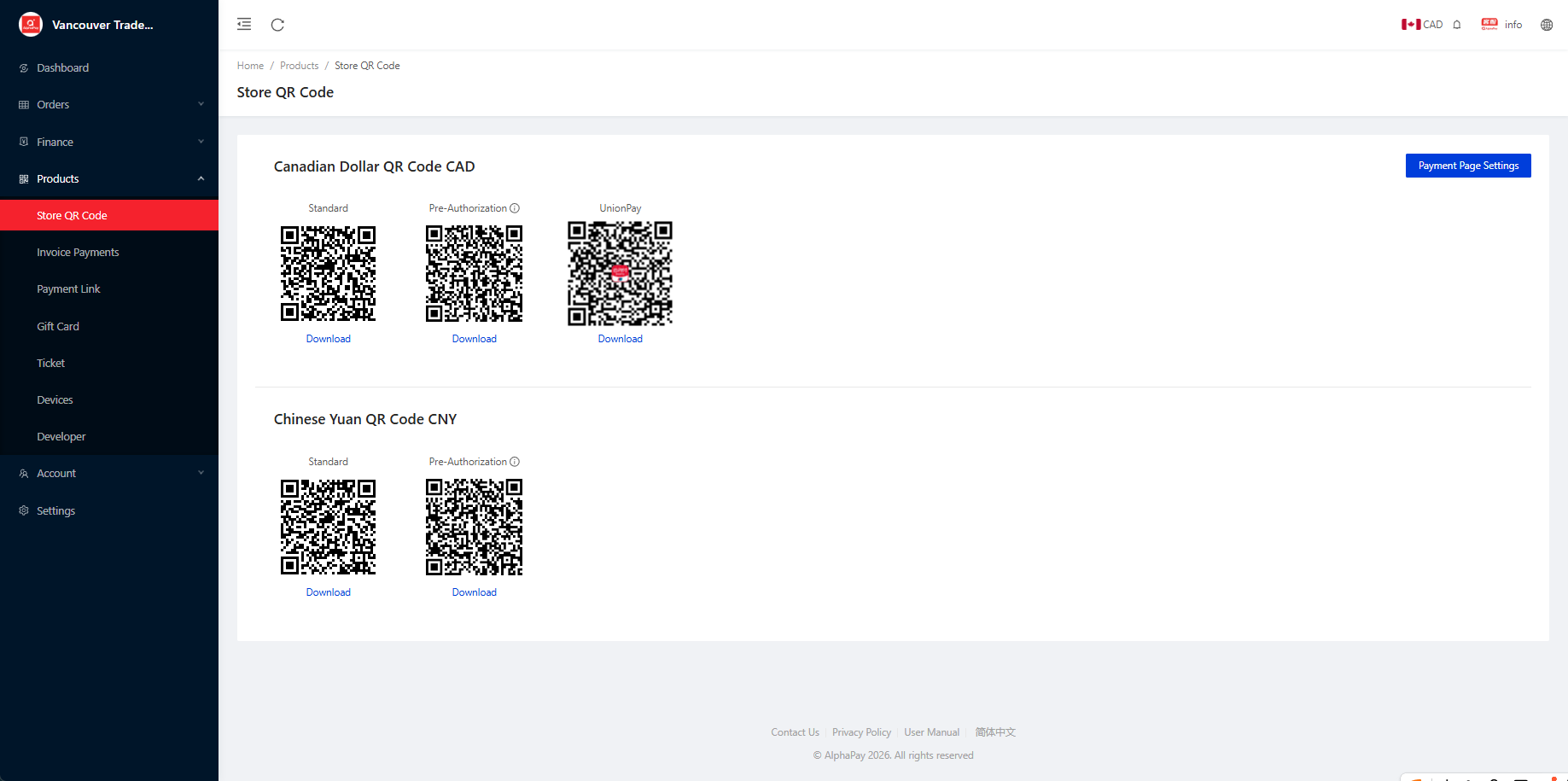
Store QR code from Dashboard
- Login to AlphaPay Dashboard
- Navigate to Products > Store QR Code > Choose a Currency and Download
- Go to Payment page setting to modify notes to users' references or user info and tips.
- Send the QR Code to your customers to collect money
Store QR code from AlphaPay App
- Login to AlphaPay App
- Go to Store QR Code, choose the one you want to use, and click Save.
- Send the QR Code to your customers to collect money