
Forgot Password
Reset Login Password
- Login to Dashboard
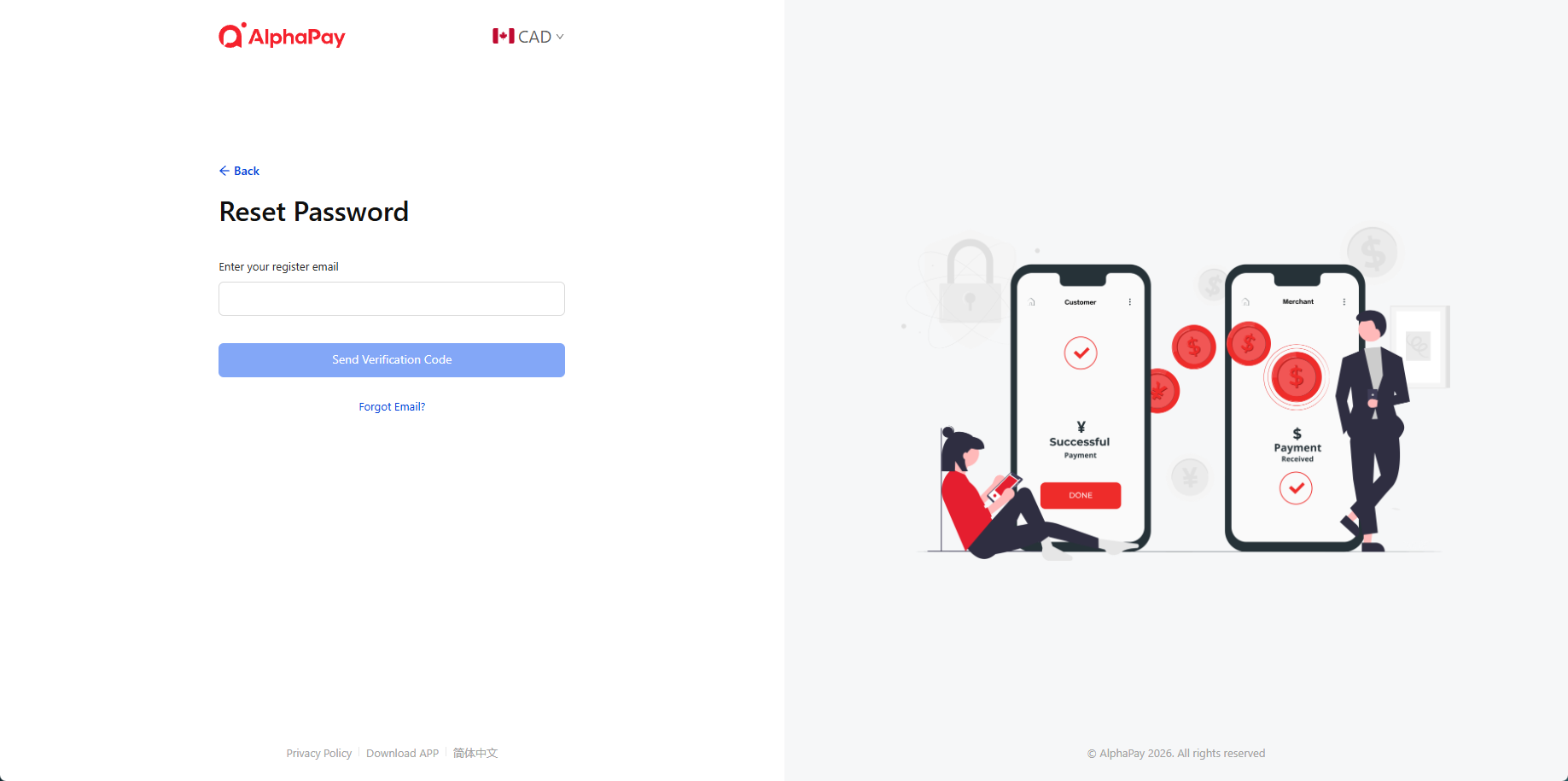
- Click the Forgot Password from the login page
- Enter the Register Email Address and click Send Verification Code
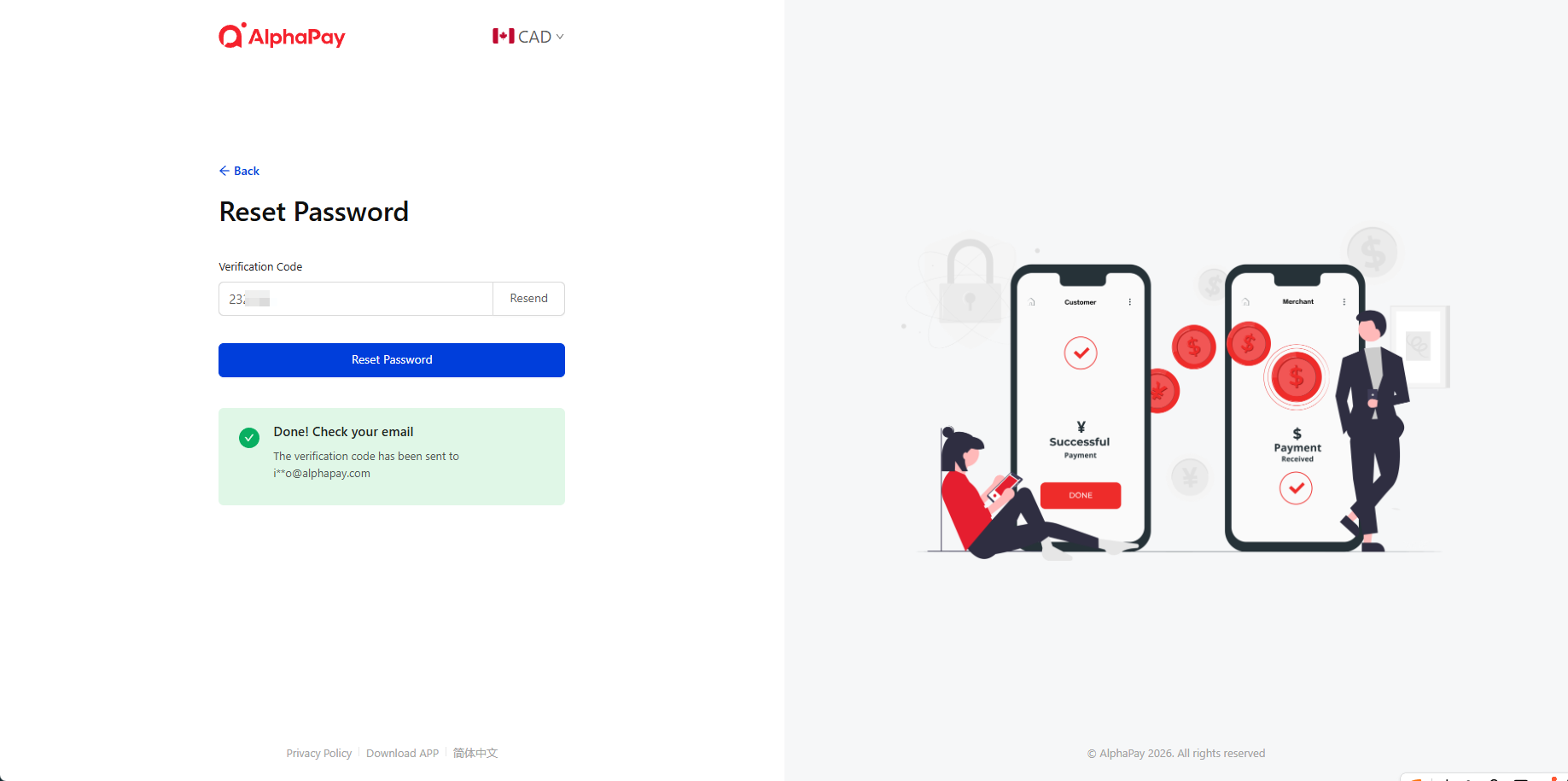
- After submitting, check your email for the verification code. Enter the code and click Reset Password.
Reset Refund Password
- Login to Dashboard
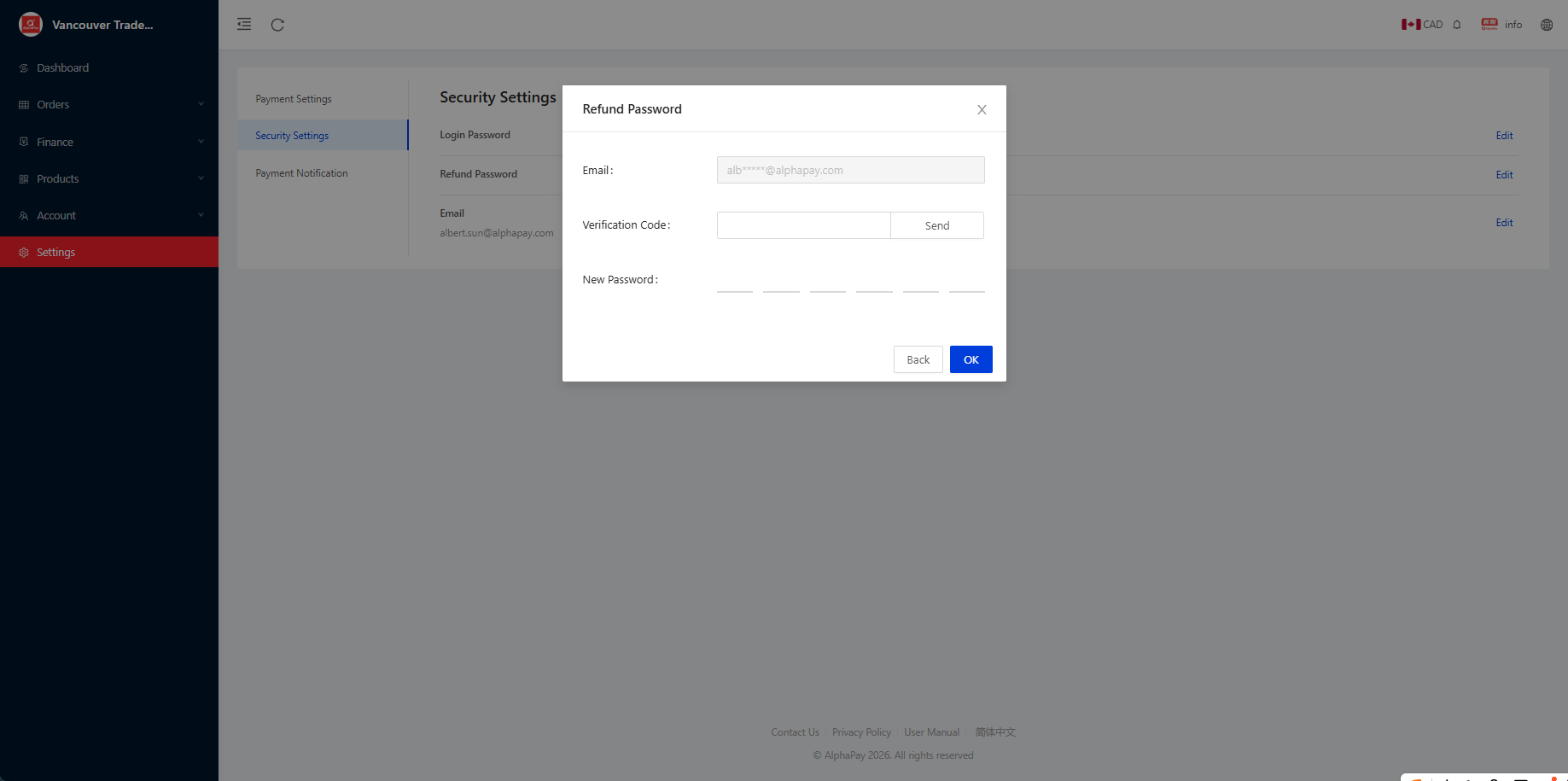
- Go to Settings > Security Settings > Refund Password
- Click Send to receive the verification code, enter your new password, and click OK.
**Ask your account manager for Original Refund Password
Forgot Refund Password
Please call our toll-free at 1-855-937-7888 to contact our Customer Service.